
Ever look at a sold eBay item and wonder where all the money went? An eBay selling fees calculator is the tool that ends that mystery. It takes all the confusing percentages and turns them into a simple dollar figure, showing you your net profit before you even list. I've been there—staring at boxes for years, feeling that selling just wasn't worth the hassle. This simple step helps you dodge that gut-punch feeling when your final payout is way less than you thought.
Why An eBay Fees Calculator Is Your Secret Weapon
We've all felt it. You finally decide to tackle that room full of stuff, list a bunch of things on eBay, and then… the disappointment hits. The payment that lands in your account is a shadow of what you expected. It’s a frustrating feeling, and it's not because you're lazy or bad at math.
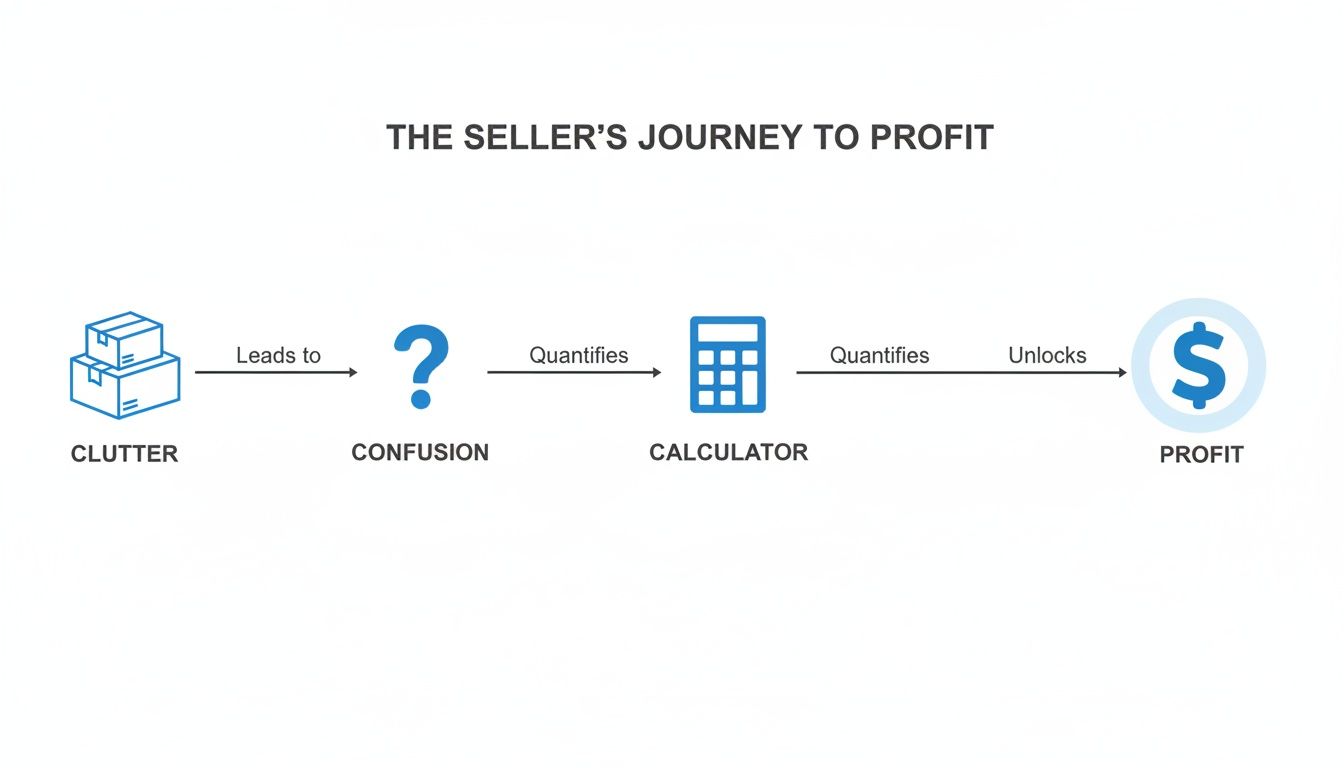
This happens because eBay’s fee structure can be a maze. The real problem isn't just the fees; it's the lack of clarity on how they all add up. This uncertainty often leads to what I call "clutter paralysis"—that feeling of being so overwhelmed that you do nothing. So, those boxes you meant to sell just keep sitting there, year after year.
A good eBay selling fees calculator is your best friend for breaking through that paralysis. It replaces confusion with confidence by showing you exactly what you stand to make. It’s less about complex math and more about building the momentum you need to finally get started.
Here’s a quick look at the main fees you'll run into.
Quick Look at Key eBay Selling Fees
| Fee Type | What It Is | Typical Cost |
|---|---|---|
| Insertion Fee | The cost to create a listing. You get up to 250 free listings per month. | $0.35 per listing after free ones are used. |
| Final Value Fee | A percentage of the total sale amount (item price + shipping + tax). | 13.25% on most categories (up to $7,500), then 2.35% on the portion over $7,500. |
| Ad Fees | Optional fees to promote your listing for better visibility. | Varies based on the ad rate you set. |
Using a calculator brings these numbers to life, making the whole process transparent.
An eBay fees calculator helps you:
- Get Instant Clarity: It breaks down all the costs, from final value fees to any listing (insertion) fees. No more guesswork.
- Stop Nasty Surprises: Knowing your real profit from the start means you can price your items smarter and avoid that sinking feeling.
- Build Real Momentum: When you see a clear, predictable profit, the effort of selling unwanted items online finally feels rewarding. It turns that feeling of being overwhelmed into progress.
Of course, eBay's fees are only part of the equation. Don't forget to factor in what it'll cost to actually ship the item. A good shipping fee calculator is essential for getting this number right. Once you see the complete picture, you can finally start making a dent in those boxes.
Decoding The Main eBay Seller Fees
Before you can get the most out of an eBay selling fees calculator, you've got to understand the two main charges every seller faces: Insertion Fees and Final Value Fees. Think of these as the fundamental costs of doing business on the platform. It's the first step to turning overwhelm into action.
First up is the Insertion Fee. This is essentially a listing fee, like paying for a tiny bit of digital shelf space to display your item. The good news? eBay gives every seller a generous number of free listings each month—usually 250 of them. For most of us just starting to clear out clutter, you might never even have to pay this. It only kicks in once you go past your monthly freebie allowance.
The second, and usually bigger, fee is the Final Value Fee. This is the commission eBay takes once your item actually sells. It’s calculated as a percentage of the total amount the buyer pays, which is a crucial detail. That means it's based on the item price, the shipping cost, and any sales tax collected. This fee is the main way eBay makes its money.
The Two Key Fee Types
While the concept is simple, the details can get a little tricky because the percentages aren't the same for everything.
- Insertion Fee (Listing Fee): This is a small, predictable charge you pay for each listing after you've used up your monthly free ones. It’s usually a minor cost.
- Final Value Fee (Commission): This is a percentage of the total sale amount. It’s the more significant fee, and it changes quite a bit depending on the product category.
Getting a firm grasp on these costs is what turns a pile of stuff you've had sitting around for years into actual profit. It's the key to moving from confusion to clarity and finally making progress.
For most product categories, you can expect the final value fee to be 13.25% of the total sale amount up to $7,500, plus a flat $0.30 per-order fee. Knowing this number is critical because it directly eats into your profit margin.
Once you understand how these two fees work, you're in a much better position to price your items effectively. For a deeper dive into that, take a look at our guide on how to price items on eBay.
Don't Get Blindsided by These 3 Hidden eBay Costs
It’s one thing to account for the main insertion and final value fees, but it's the other costs that often catch you by surprise and silently drain your profits. This is a classic trap that feeds into clutter paralysis. You think you've done all the math, only to see a final payout that’s way less than you expected. It's frustrating, and it's the kind of thing that can make you want to shove that box right back in the closet.
These aren't some secret, obscure charges. They're just part of the selling process that a good eBay selling fees calculator helps you get ahead of. Let’s say you finally decide to list that box of old electronics that's been sitting there for years. Getting them listed feels like a win, but these other fees can quickly diminish your return.
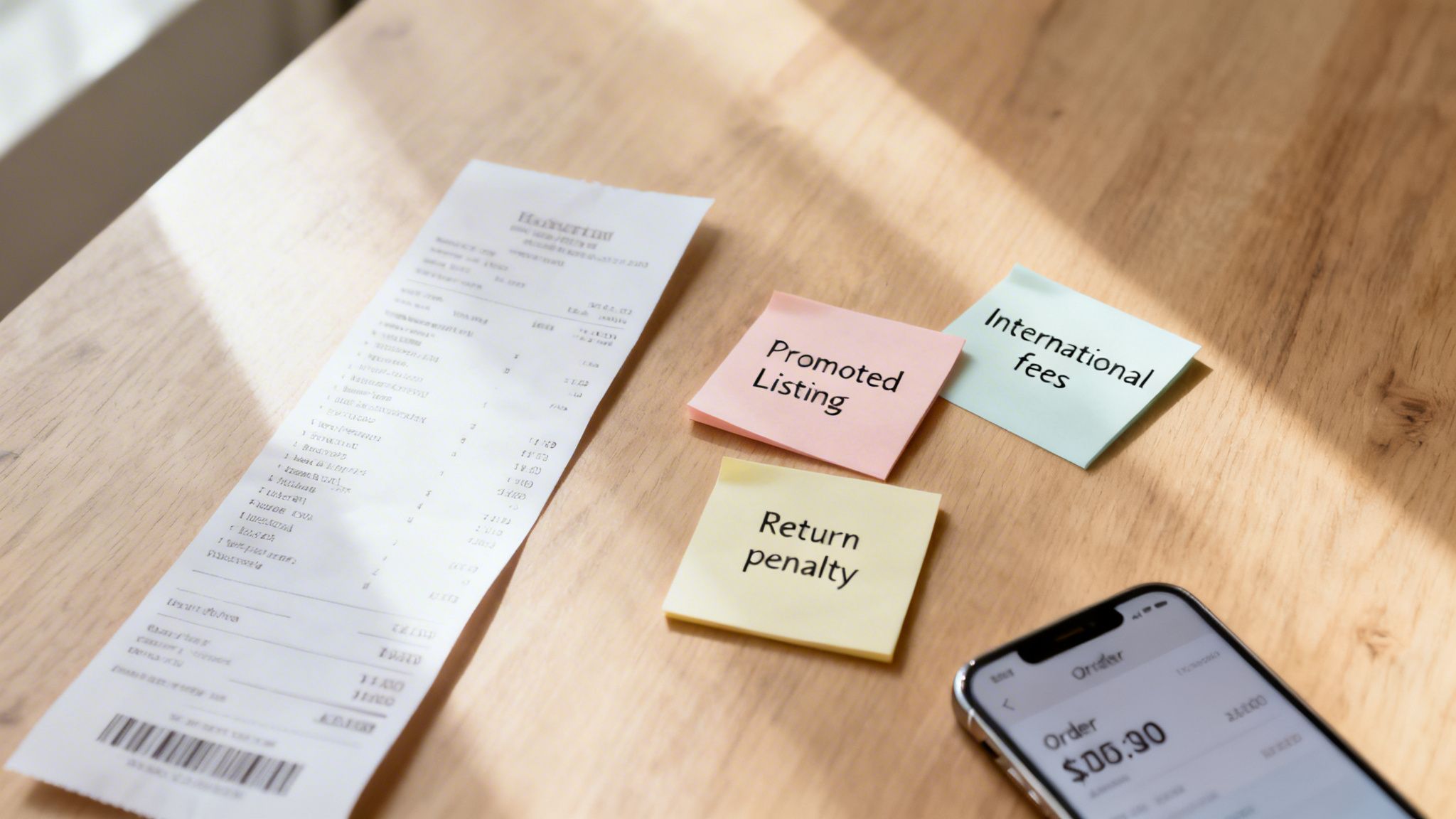
Common Expenses That Can Sneak Up on You
Let's pull back the curtain on these costs so you can build them into your pricing strategy from the get-go.
- Promoted Listing Fees: While this is an optional advertising fee, it's often the key to getting your stuff in front of enough buyers. You decide what percentage of the final sale price you're willing to pay for that prime placement.
- International Fees: If your buyer is located overseas, eBay takes an additional international fee. This is a small percentage of the total sale amount and can vary based on where the item is headed.
- Penalty Fees: eBay really cares about the customer experience, and they penalize sellers who don't meet their standards. If your account gets flagged for a high rate of transaction defects or unresolved cases, you could face higher final value fees. This can be a real motivation-killer.
The real victory isn't just making a sale; it's knowing precisely what you'll pocket afterward. When you account for these "surprise" fees, you turn a potentially frustrating gamble into a predictable process. That’s how you build the momentum to keep on decluttering.
Understanding these variables is the key to an accurate profit calculation. It lets you make smarter choices about pricing, promotions, and even who you sell to, ensuring all that effort to clear out your space actually pays off.
If you're starting to sell more than just a few things here and there, you’ve probably wondered about getting an eBay Store subscription. It might seem like an unnecessary expense, but it can actually be a huge money-saver once your sales pick up and you're ready to build more momentum.
The biggest perks? You get way more free listings each month and often pay lower final value fees on the items you sell.
Think about a big decluttering project, like finally clearing out the garage or an attic full of treasures. Normally, you only get 250 free listings per month. But with a Basic Store subscription, that number jumps to 1,000 free fixed-price listings.
This means you can list everything at once without getting hammered by insertion fees for each item. Suddenly, that overwhelming clean-out project becomes a clear path to progress.
Choosing The Right Store Level
An eBay Store isn't just for power sellers with warehouses. It’s for anyone who's consistently listing items. The whole point is to figure out when the monthly subscription fee is cheaper than what you'd pay in regular selling fees.
eBay offers several different subscription tiers, as you can see below.
Each level, from Basic all the way up to Anchor, comes with a different set of benefits. The right choice for you boils down to one thing: how much you sell.
For most people just starting to get serious, the Basic Store is the perfect entry point. The savings you get from avoiding insertion fees alone can often cover the monthly cost, especially if you're listing a few dozen items.
Think of it like this: a Store subscription takes your selling from a casual hobby to a more efficient, cost-effective operation. It gets rid of the headache of "Do I have any free listings left?" and lets you focus on what matters: turning clutter into progress.
Before you jump in, it's a great idea to play around with an eBay selling fees calculator that lets you compare costs with and without a store. This will give you a clear picture of exactly how many sales it takes for the subscription to start paying for itself.
A Quick Look at How eBay Fees Have Changed
If you've been selling on eBay for a while, you know the fee structure hasn't always been this complicated. Understanding how we got here really highlights why an ebay selling fees calculator is an absolute must-have for sellers today.
Back in the day, things were much simpler. You had eBay's commission, and then you had a completely separate fee for payment processing from a third party like PayPal. It was a clean, two-part system that was pretty easy to follow. You knew exactly where the money was going.
The Big Shift: From PayPal to Managed Payments
Everything changed when eBay introduced its Managed Payments system. The idea was to bring everything under one roof, but in doing so, they completely overhauled how fees are calculated. The biggest shock for many sellers was that the Final Value Fee was now calculated on the total amount the buyer paid—and that includes sales tax.
Before this change, your costs were split. But when eBay rolled out Managed Payments around 2021, they combined everything. The fee percentage went up, and it was now applied to the grand total, including shipping and sales tax. You can still find long-time sellers discussing this major shift in the eBay community forums.
So, if your fees feel a lot higher these days, it’s not just you. The entire calculation has expanded. This is precisely why just guessing your costs doesn't work anymore. You need a reliable tool to figure out what you’ll actually pocket on a sale.
Let's Calculate Your Profit: A Real-World Example
All this talk about percentages and fees can feel a bit abstract. The best way to really get a handle on it and build confidence is to walk through an actual sale, number by number.
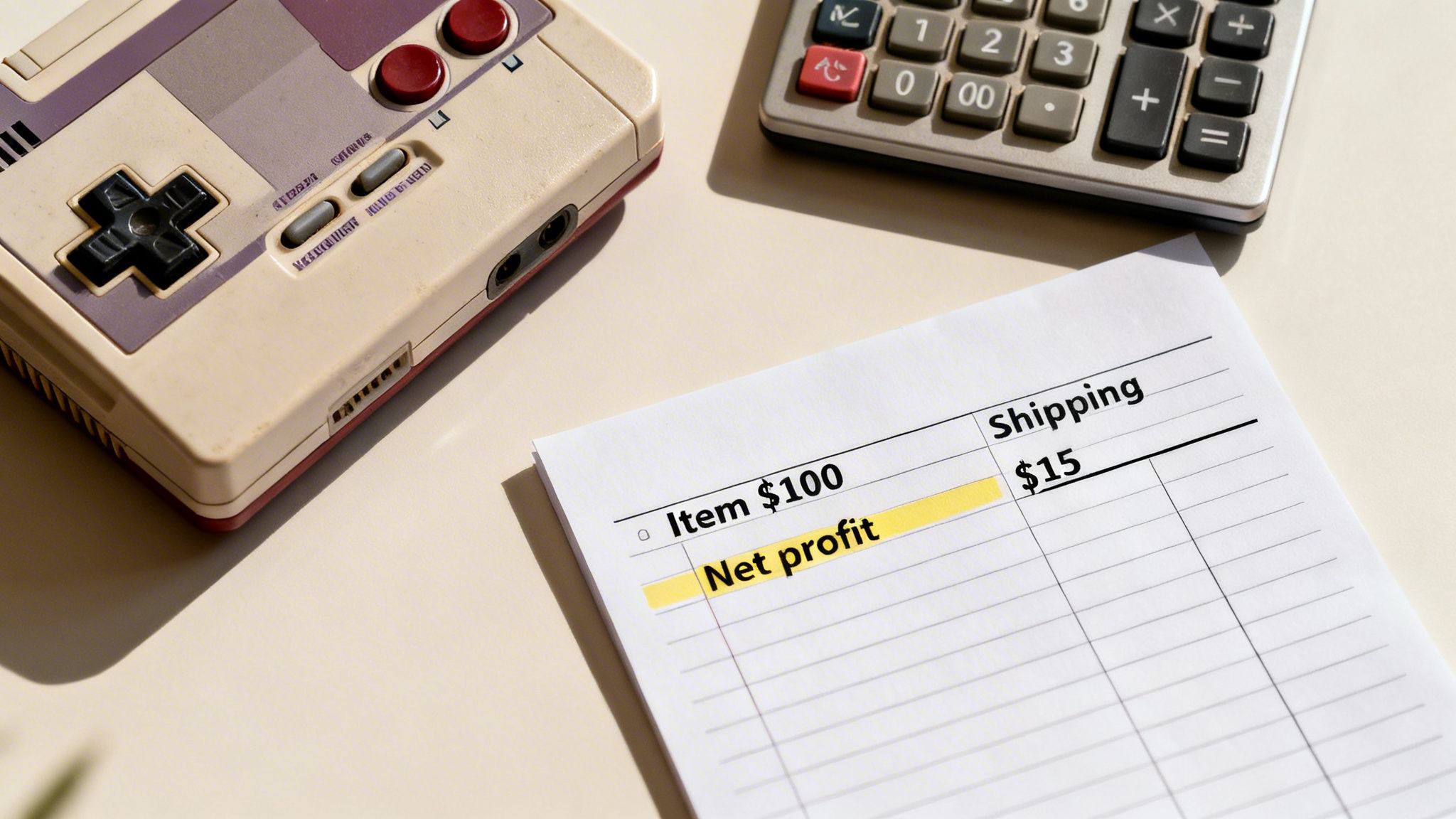
Let's say you unearthed a vintage video game console while clearing out that attic that's been bugging you for years. You list it, and it sells for a nice $100. The buyer also pays $15 for shipping.
The first thing to understand is that eBay calculates its commission on the total amount the buyer pays. That means your total sale amount is $115 (the $100 item price + the $15 shipping). This is the key figure for figuring out your fees.
Breaking Down The Costs
So, how do we get from that $115 to the actual cash in your pocket? Using the standard 13.25% fee for the video game console category, it's pretty simple:
- Final Value Fee: $115 x 0.1325 = $15.24
- Per-Order Fee: Plus the standard flat fee of $0.30
Add those two together, and your total eBay fees for this sale come out to $15.54. When you subtract that from the total sale amount of $115, you're left with a payout of $99.46. Remember, this is before you've paid for the actual shipping label.
Seeing the math laid out like this turns confusing percentages into a real, tangible number. This is a quick win. You now know exactly where your money is going, which is the first step toward building the momentum to clear out even more.
Of course, eBay's cut is just one piece of the puzzle. Smart sellers also focus on operational costs, as things like effective inventory management can seriously impact your final profit. To get a better grip on the entire process, be sure to read our guide on how to price used items.
Got Questions About eBay Fees? We've Got Answers.
Let's be honest, figuring out eBay's fees can sometimes feel like trying to solve a puzzle. When you're trying to break through clutter paralysis and make progress, the last thing you want is more confusion. Here are some straight-to-the-point answers to the questions we hear most often.
What’s the Best eBay Selling Fees Calculator?
For pinpoint accuracy, nothing beats using eBay's own fee calculator since it pulls the latest, official data. That said, many third-party tools are much easier to use and can be a real time-saver for getting a quick idea of your profit.
A good rule of thumb? Use a third-party calculator for a quick estimate to see if an item is worth selling, but always double-check against eBay's current fee schedule for your specific category before you list. That way, there are no surprises.
Do I Pay Fees Even if My Item Doesn’t Sell?
It depends. You will never pay a Final Value Fee (the percentage eBay takes from the sale) if your item doesn't find a buyer. That fee only applies when you make a sale.
However, you might still have some costs:
- Insertion Fees: If you've used up your 250 free listings for the month, you'll pay a small fee just to create the listing.
- Optional Upgrades: Any extras you add, like a subtitle or a bold title, come with a fee that you pay upfront, whether the item sells or not.
How Can I Pay Less in eBay Fees?
Cutting down on fees is all about being strategic. The simplest way to start is to stick within your free monthly listing allotment.
If you’re a serious seller, opening an eBay Store can drastically lower your costs and give you a bigger batch of free listings. Also, keeping your seller performance level high helps you avoid extra penalty fees. And be picky about those listing upgrades—only pay for what you truly need to make the sale.
Ready to turn clutter paralysis into progress? DeclutterNow has a built-in eBay selling assistant to guide you from photo to profit, making every decision easier. Try it free today →